
How to Search for a Concho County Warrant
No single online source covers every Concho County warrant. The sheriff's page gives courthouse and dispatch contacts but no search form. The county clerk's LGS index is a general records tool, and a matching court case does not prove the current service status of a warrant. Lower-court process may stay with the issuing Justice Court or Eden Municipal Court.
Use the name and cause or citation number on the notice. A full date of birth can help the court identify a file, but do not send it through an ordinary email unless the office instructs you to do so. If you think an arrest warrant may be active, speak with a Texas lawyer before appearing.
- Read the notice and identify the court before using a broad records index.
- For a county citation, call the countywide JP; for an Eden ticket, contact Eden Municipal Court.
- Use LGS as a general case index by selecting an office, record type, and available filters.
- Call the sheriff for status routing, or send a written request to the department that keeps the record.
- For an FTA or license-renewal issue, ask the reporting court or OmniBase; DPS cannot confirm a warrant.
Searching Without a Concho County Sheriff Form
The official sheriff page does not expose Last Name, Date of Birth, or Warrant Number fields. It is a contact route, not a searchable roster. Call the courthouse office at 325-732-4312 or dispatch at 325-869-4941 or 325-869-2222 for routing. Ask which office can confirm the issuing court, current status, and next step.
Do not use 911 for a records question. No dedicated warrant line, online surrender form, or bond window was located. If the sheriff cannot answer a court-file question, contact the court that issued the process.
Concho County Warrant Search Fields
Concho's public channels expose different controls, and none is a confirmed warrant-name form. LGS filters depend on the selected office and record type. The table records only what the official sources describe; it does not assume that a name, birth date, or warrant number can be searched in every system.
| Field Label | Type | Required | Notes |
|---|---|---|---|
| Sheriff page | No public search form | Not applicable | Phone, dispatch, in-person, or written-request route |
| LGS office | Dropdown | Required after login | Choose the elected office holding the record |
| LGS record type | Dropdown | After office selection | Options vary; no warrant type is confirmed |
| LGS filters | Dynamic | Depends on record type | Exact Concho warrant fields and partial-match rules are unpublished |
| OCA directory | County and court controls | Not stated | Finds court contacts, not warrant status |
Use the Issuing Court as Your Search Key
The court name narrows the request more reliably than an assumed warrant number. District cases go to the 119th District Court and combined clerk; Class A and B cases go to County Court. County fine-only tickets belong with the single countywide JP. Eden city citations belong with Eden Municipal Court.
| Case clue | First office | What to ask |
|---|---|---|
| District or felony case | 119th District Court / combined clerk | Cause number, file access, issuing court |
| County misdemeanor | County Court / combined clerk | Case status and appearance requirement |
| County citation | Concho County Justice Court | FTA, capias, amount, and clearance method |
| Eden citation | Eden Municipal Court | City case status and payment or hearing route |
What a Warrant Search Returns
The public LGS index may return a case match, additional information, or an image when that record is available. Concho publishes no sample warrant result, number format, local status-code list, or warrant-specific update schedule. Treat any result as a lead for the issuing court, not as confirmation that an officer can or cannot serve process.
| Warrant number | Format not published |
|---|---|
| Charge or judgment | Read the court's wording and ask what it means for the case |
| Issuing court | Confirm the office that controls the file and recall |
| Bond or amount | No public Concho schedule was located |
| Status | Ask whether active, served, returned, recalled, or otherwise closed |
LGS Office and Record-Type Selection
The clerk links to LGS Online Records Search for court and county records. The county FAQ says a guest may view the index, while registration with an email address is used for image purchases. The user selects an office, then a record type; available filters vary. The FAQ's “Last Name Smith” example does not establish wildcard or partial-name behavior.
The clerk's page shows the county's route to its online index. Review that official records page before creating an account or paying to view an image.
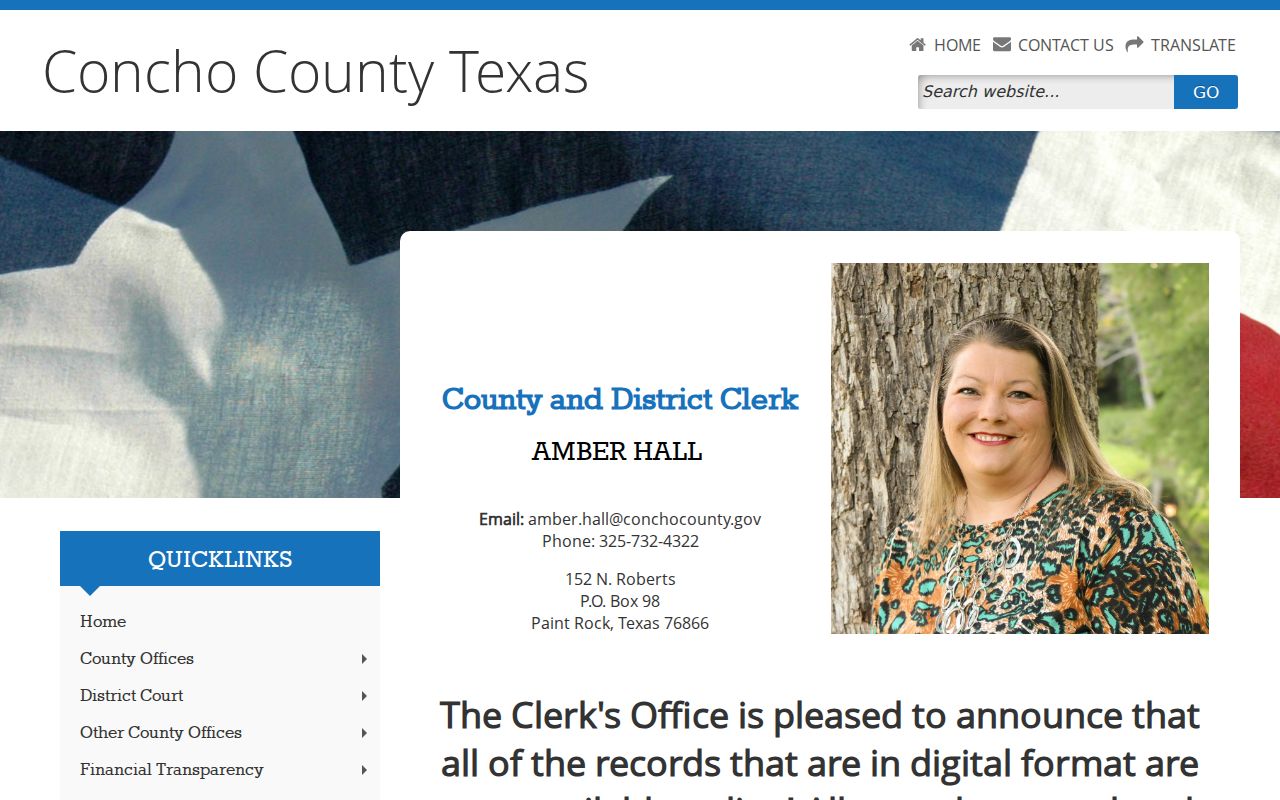
The clerk page describes a broad records index, not a complete warrant database.
Where Concho County Warrants Are Checked
The likely custodian depends on the case: the sheriff for law-enforcement status, the combined clerk for district or county files, the Justice Court for county citations, and Eden Municipal Court for city cases. The Texas Office of Court Administration's directory can help locate a court, but it does not search for a warrant.
Texas has no single public statewide warrant portal. DPS's OmniBase service concerns reported failure-to-appear or failure-to-pay violations that can affect license renewal; DPS staff cannot answer whether a warrant exists. Confirm the record with the originating court or sheriff.
The OCA directory search shows the available court-finding controls. Open the state court directory when the notice does not make the issuing court clear.
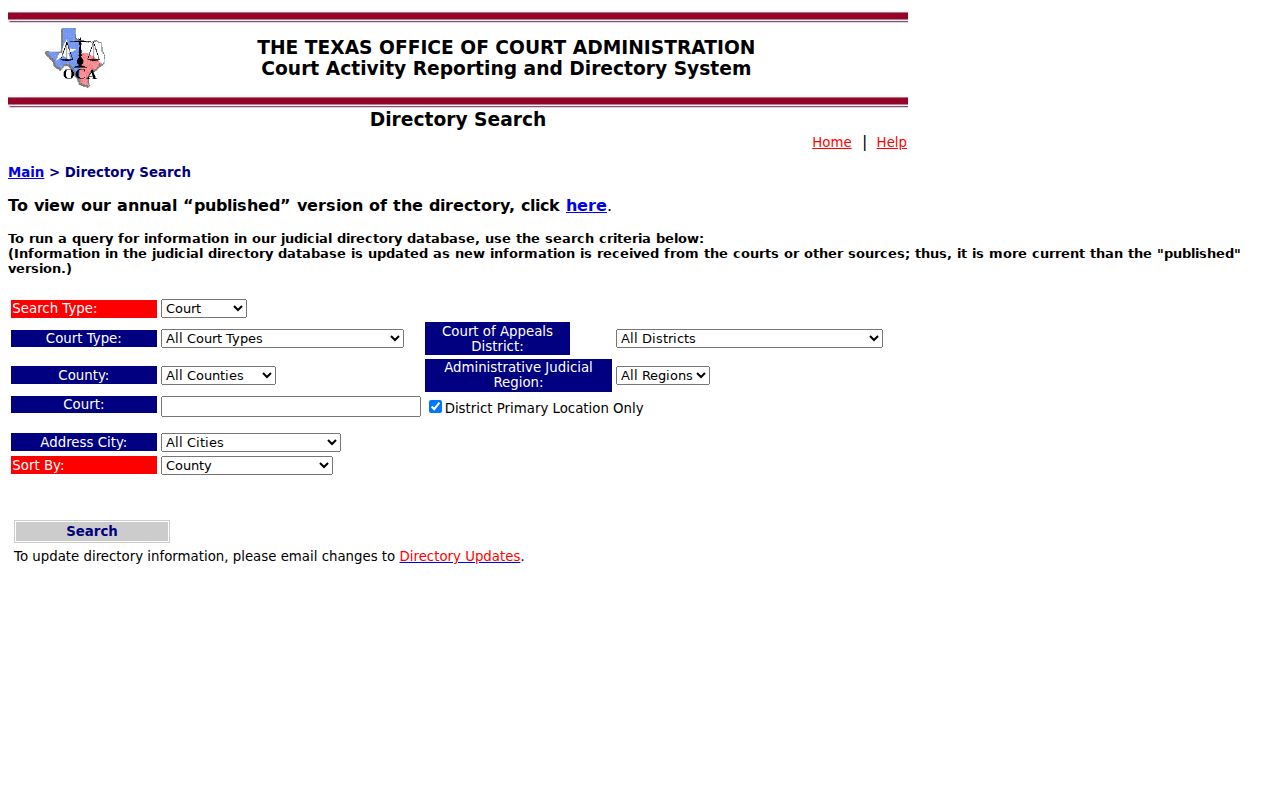
A directory result is a contact path only. The results view lists courts and contact columns. View the current OCA results; it does not show individual warrant status.
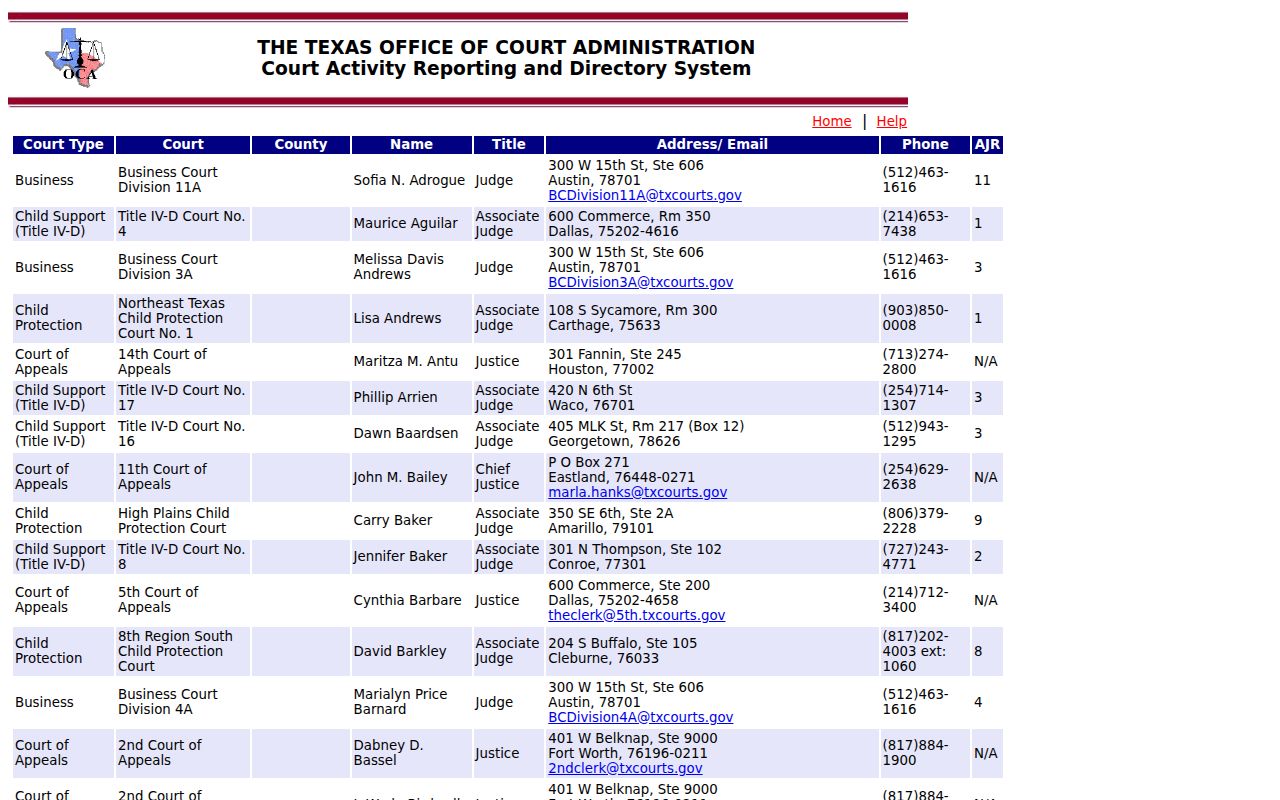
Use a directory row to locate the court, then ask that court or the sheriff about current process status.
Concho Search Results Need Eden Date Checks
The OCA directory results are useful for locating Eden Municipal Court, but dated outputs reviewed for Concho County show a changed or previously vacant presiding-judge field. Treat directory names as time-sensitive contact data, not as a current warrant status or proof of who will handle a case. Reach Eden's clerk at 325-869-2211 or courtclerk@edentexas.com and ask the court to confirm the citation record.
Access and Restricted Warrants
Public access has limits. A warrant or affidavit may be sealed, juvenile material is confidential, and protected personal details may be withheld. Article 15.26 addresses access to an arrest warrant and affidavit after execution; it does not promise that every unserved or sealed entry appears in an online index.
Key Rules:
Code of Criminal Procedure Article 15.26 makes executed arrest-warrant materials public, subject to other confidentiality rules.
Texas Family Code §58.010 restricts public release of a child's arrest warrant and supporting papers.
A missing online result is not proof that no warrant exists; ask the issuing court or sheriff to confirm.
Request Records From the Correct Department
Concho County warns that a request sent to the wrong department can be delayed and may not be forwarded. The county form asks for contact information, a description of existing records, and a signature; it is not a warrant-specific form. Judicial records may follow Rule 12 or court rules instead of the Texas Public Information Act.
Read the county's request instructions and verify the address before mailing. The form says 158 N. Roberts, while the county contact and clerk pages list 152 N. Roberts. The state's Attorney General request guidance describes prompt production and notice when more than ten business days are needed.
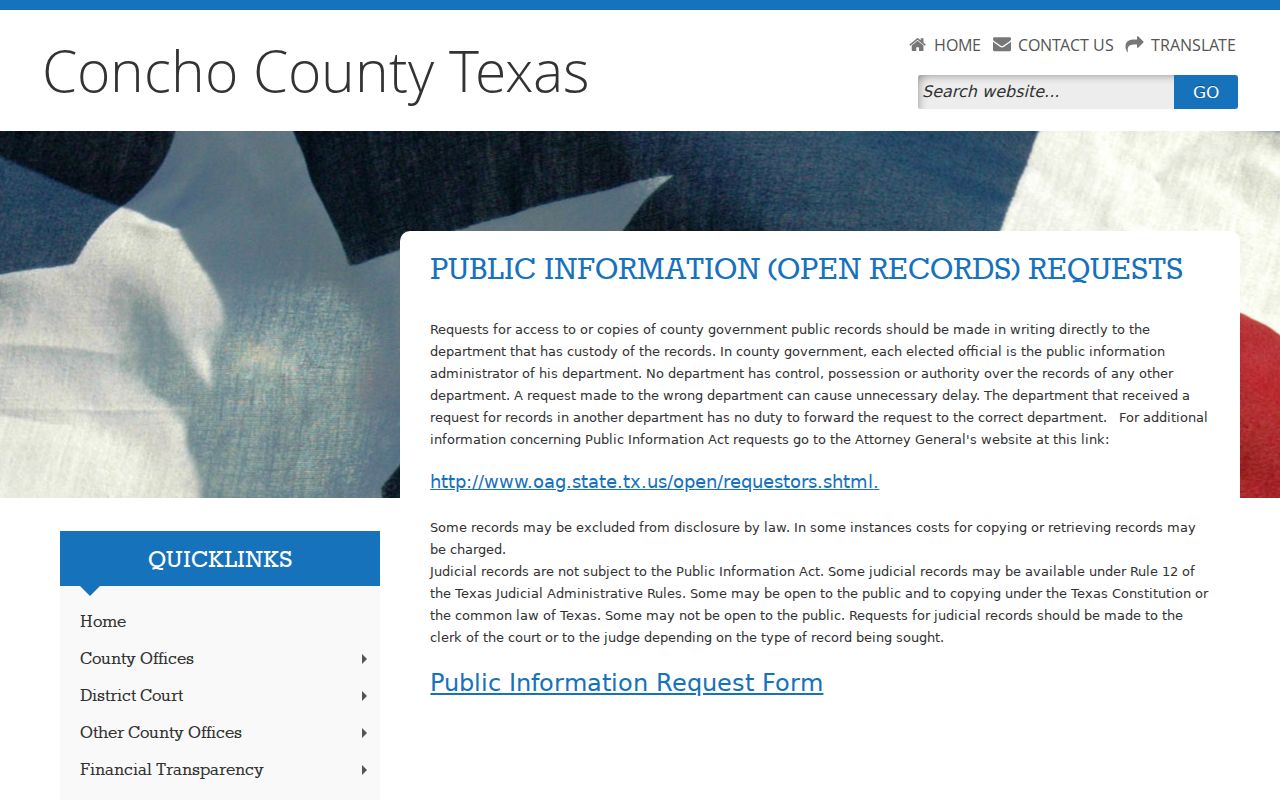
Send the request to the office that holds the records, and ask the clerk or judge about court-file access.